If you can’t find the BigRock Webmail login page, you’re in the right place. Accessing your email account is easier than you might think.
In this guide, you’ll learn how to access BigRock Webmail step by step. We’ll also cover common login issues and their solutions.
Easiest Guide to Access Bigrock Webmail
By following the easy-to-follow step-by-step guide, you can easily get access to your lost BigRock webmail.
Step 1: Login to BigRock Admin Panel
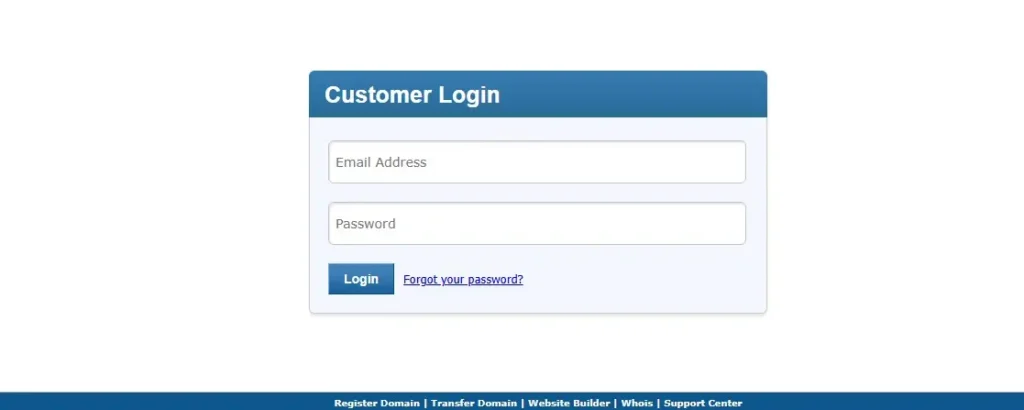
At the beginning, you have to click on the bottom button to visit your BigRock admin panel.
Step 2: Navigate to Orders and search for the specific hosting domain.
Step 3: Under Manage Web Hosting, click on Go to cPanel.
Step 4: Email Login
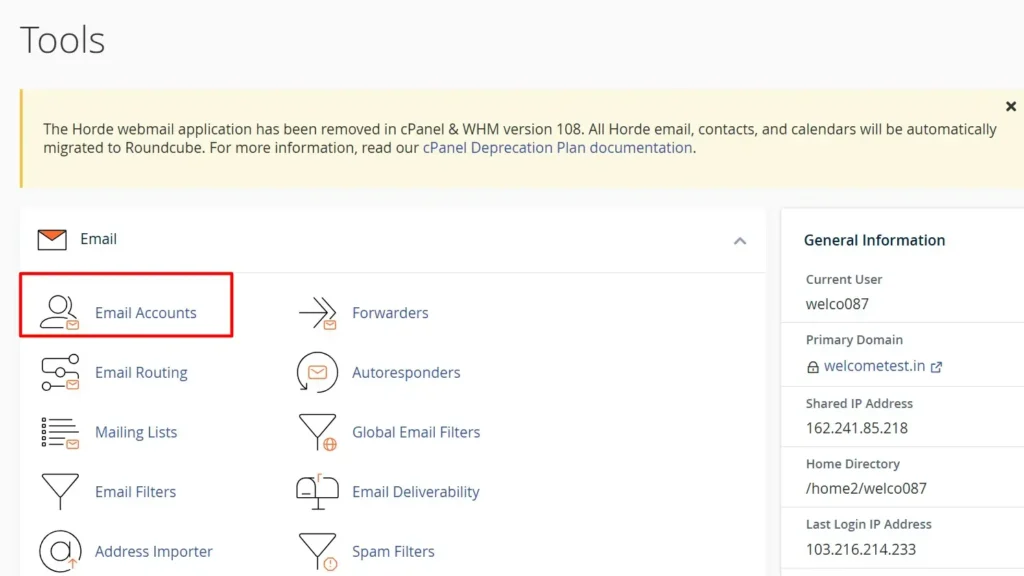
When you come to the Tools section, you have to find Email Accounts and open it.
Step 5: Choose Email
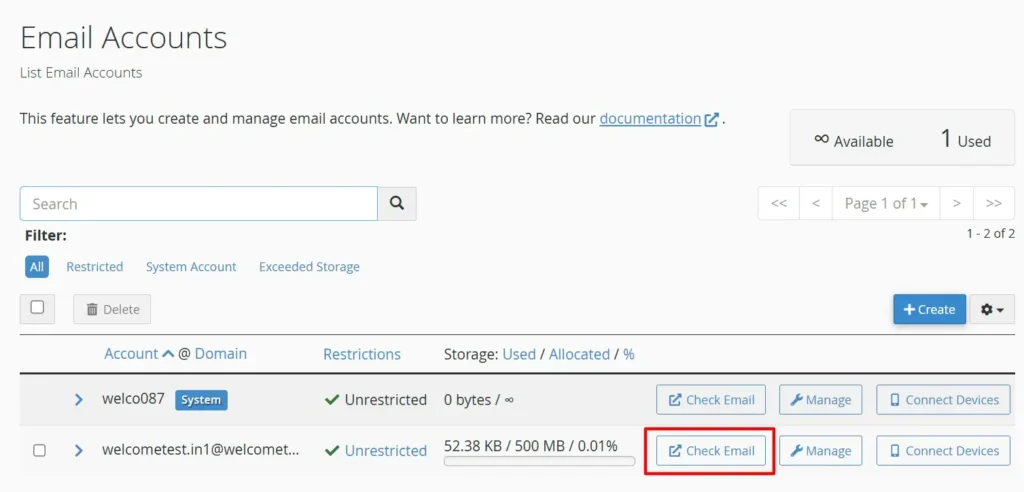
On this step, you have to choose the email account that you want to get access.
After finding the email account, you have to click on the Check Email button, as like the screenshot.
Step 6: Open Web Mail
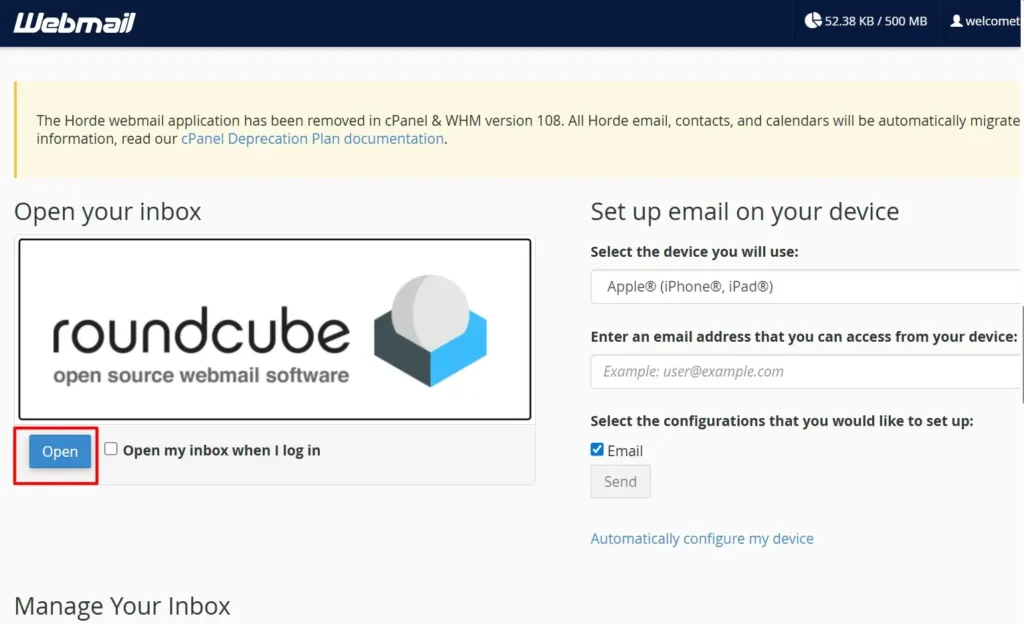
After opening this page, you have to click on the Open button, as like the screenshot, to access your BigRock web mail.
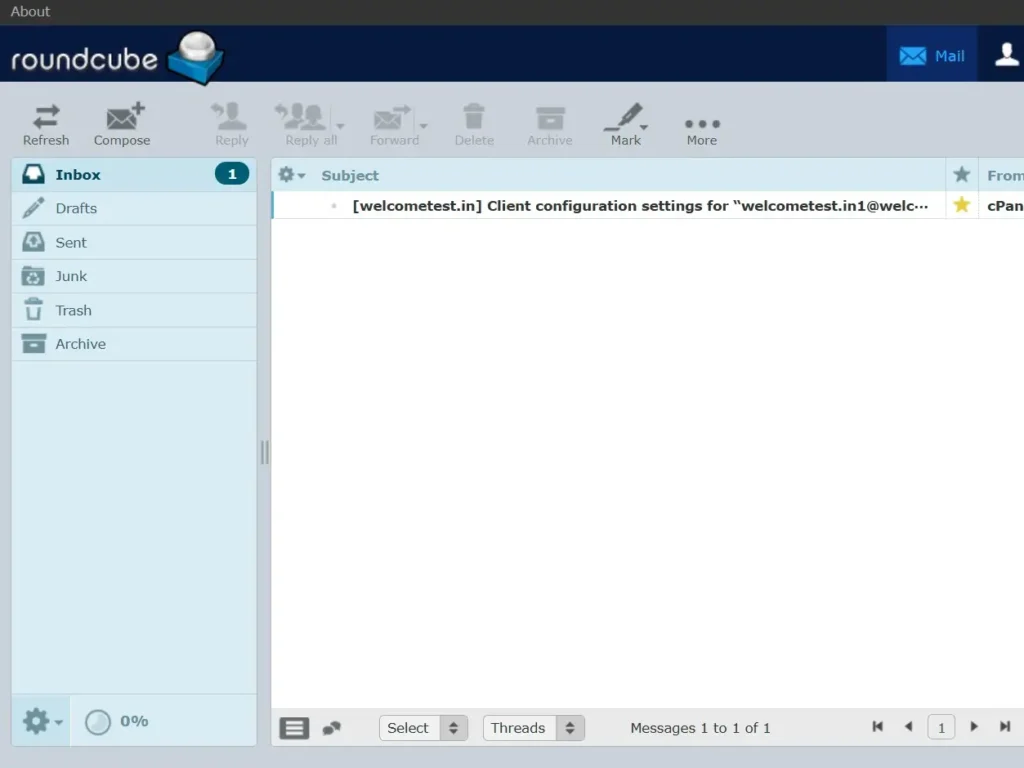
Congratulations! You successfully get access to your lost BigRock Web Mail access.
Hope you find your solution to get access to BigRock Web Mail. Thank you for staying with BigRockCouponCode.in